v4.4 (2026-03-24)
Welcome to AIVA news for version 4.4.
Three major new things this time: two new features, and a huge speedup of AIVA test recording! Plus, an updated roadmap at the end.
New feature: Visual assert
One of the most important aspects of a testing tool is to verify that the tested app conforms to expectations and requirements. So far, AIVA has been able to do so only for texts – not very wholesome for a visual testing tool. So, we added image assertions!
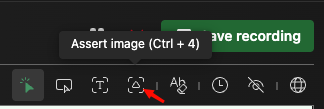
After you activate the tool, you select the area for assertion by drawing a box around it. (Later, we want to make it possible to just click instead of dragging, to make it consistent with text assertions.) When testing, AIVA will localize the area again and expect it to be 90 % identical for the test to pass. You can change the threshold in the advanced options, if you wish to be more strict or more benevolent.
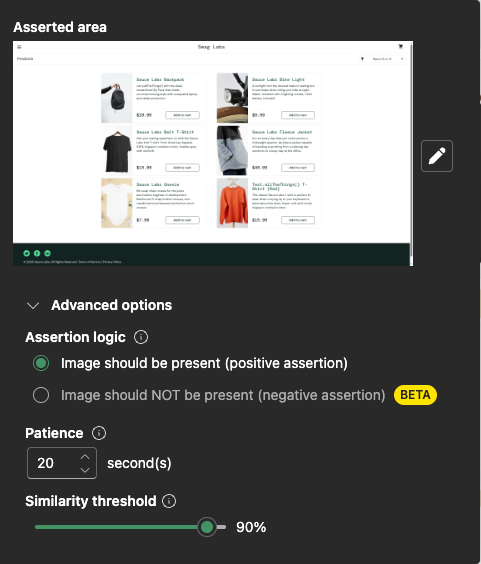
Please, let us know what you think. This new feature hasn’t been through our usual user testing yet, so there is a big opportunity for changes and improvements.
In particular, we are aware that the negative version of the assertion is something that technically works but is currently difficult to use. We’re seeking input from our users as to how they would ideally use this feature.
Run batch of tests from Tests page
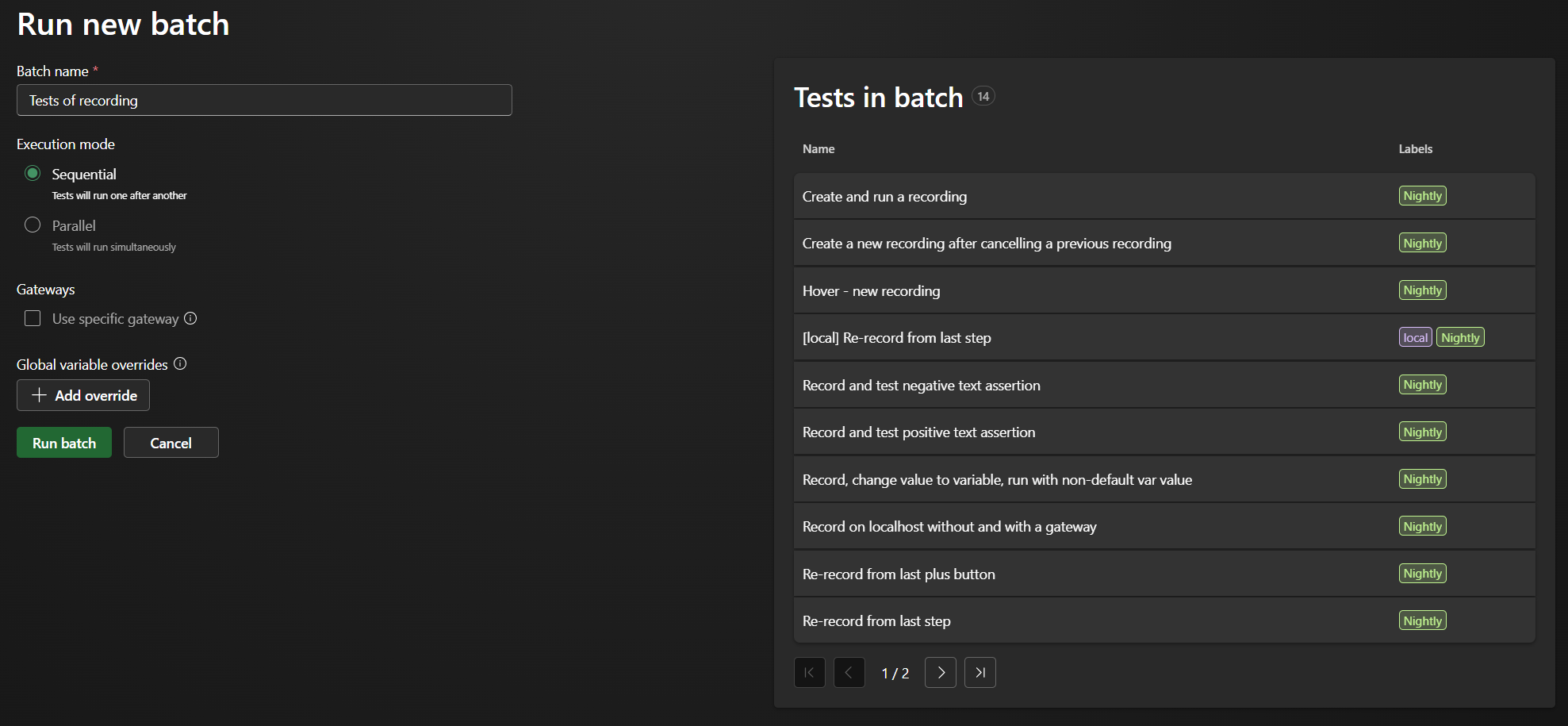
Bringing another feature from user feedback to life, you can now select multiple tests on the Tests page and run them together in a batch. There is a powerful way to select multiple tests filtered by a name or label, so you can build a batch with any number of tests.
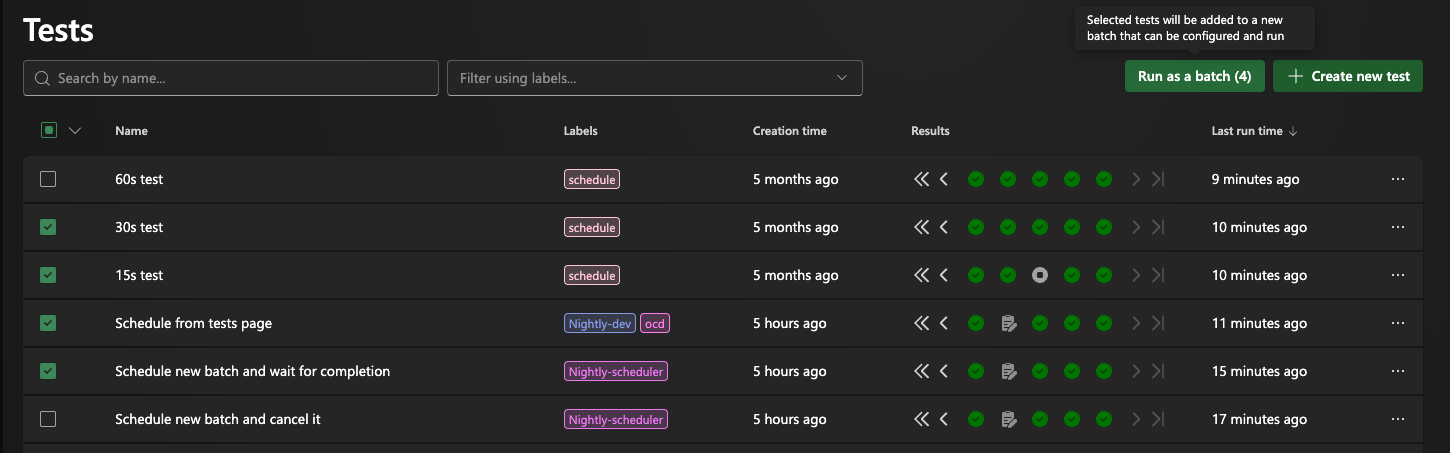
We’ve also enhanced the Batch Runner page with a list of selected tests, so now you can easily check your selection to make sure you’re happy with it before you proceed with execution.
Recording speedup
For some time already, you have been giving us feedback (and we’ve felt it ourselves, too) about the speed of recording new tests. In particular, the main annoying aspect is that you can’t just click through your tested app at a normal speed – “the same way a user would”, as we keep promising. That’s because AIVA needs to process and understand each action to record it properly and be able to reliably execute it later. So, AIVA makes you wait until that’s done before you can record the next action.
Well, that’s now gone. Not the processing – AIVA wouldn’t work without it. The waiting. We have refactored the way it works: more is now done in the backend in one API call, and less in the frontend, calling each service, synchronously, waiting for each call to finish. Plus, a lot has been optimized.
The result is a dramatic improvement: what used to take several seconds is now barely noticeable. In a typical case, we measured an improvement of 96 %, reducing the whole processing time of a recorded click from about 3600 ms to 140 ms. (To be clear, only a part of the 3600 ms was what the user actually had to wait for.)
While we think you will appreciate this already huge speedup, we’re not done yet. As the next step, we’re preparing a way for AIVA to spin up the recording browser much faster, so we’ll reduce the waiting at the very first step before your first recorded click.
We are of course aware that test playback also needs speeding up (this improvement was focused only on test recording). In fact, users often have the impression that AIVA only executes tests at the speed that they were recorded. That’s not actually the case – AIVA is only meant to intentionally wait when it believes it needs to (e.g. when the app is loading or a button is not yet ready), or when the test specifically calls for it. That’s the theory, anyway – but it’s certainly true that there is a lot of space for improvement there, too. On the other hand, there are cases where AIVA is too fast – see below:
Important bug fixes
AIVA clicking too fast, modal not closing – There was a situation where AIVA closed a modal window on a web page and continued clicking the next element right away. However, if it took some time for the modal to close, AIVA did not wait for it and clicked when the modal was still open. Now, AIVA visually confirms that the webpage has changed between clicks, if that’s what is expected based on the test recording.
Coming soon
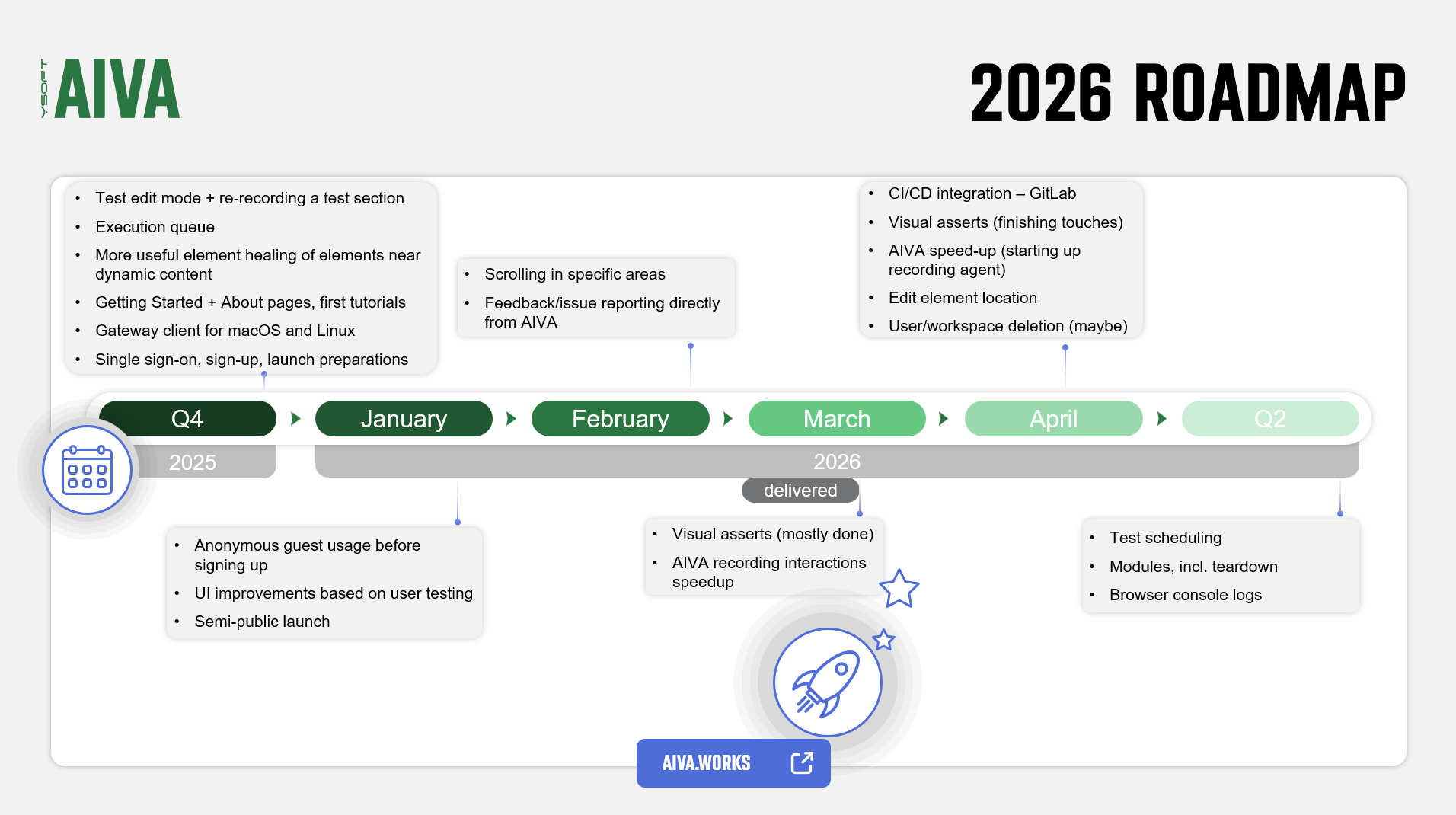
Apart from finishing the visual asserts and recording speedups (as mentioned above), the next feature coming soon is another that’s been frequently requested and is certainly sorely missing for AIVA to be an actual sellable product: integration with CI/CD pipelines in systems such as GitHub and GitLab.
Roadmap update
Finally, here’s our current view of the roadmap for the near future: